> For the complete documentation index, see [llms.txt](https://docs.we360.ai/llms.txt). Markdown versions of documentation pages are available by appending `.md` to page URLs; this page is available as [Markdown](https://docs.we360.ai/reference/work-and-time-management/user-interfaces/portal/project-suite/notebook.md).
# Notebook
We360.ai notebook — built-in note-taking tool for documentation within the workforce productivity platform.
Context switching is a major productivity killer. To keep employees focused and within the We360.ai ecosystem, the portal includes a built-in **Notebook** feature designed for rapid documentation.
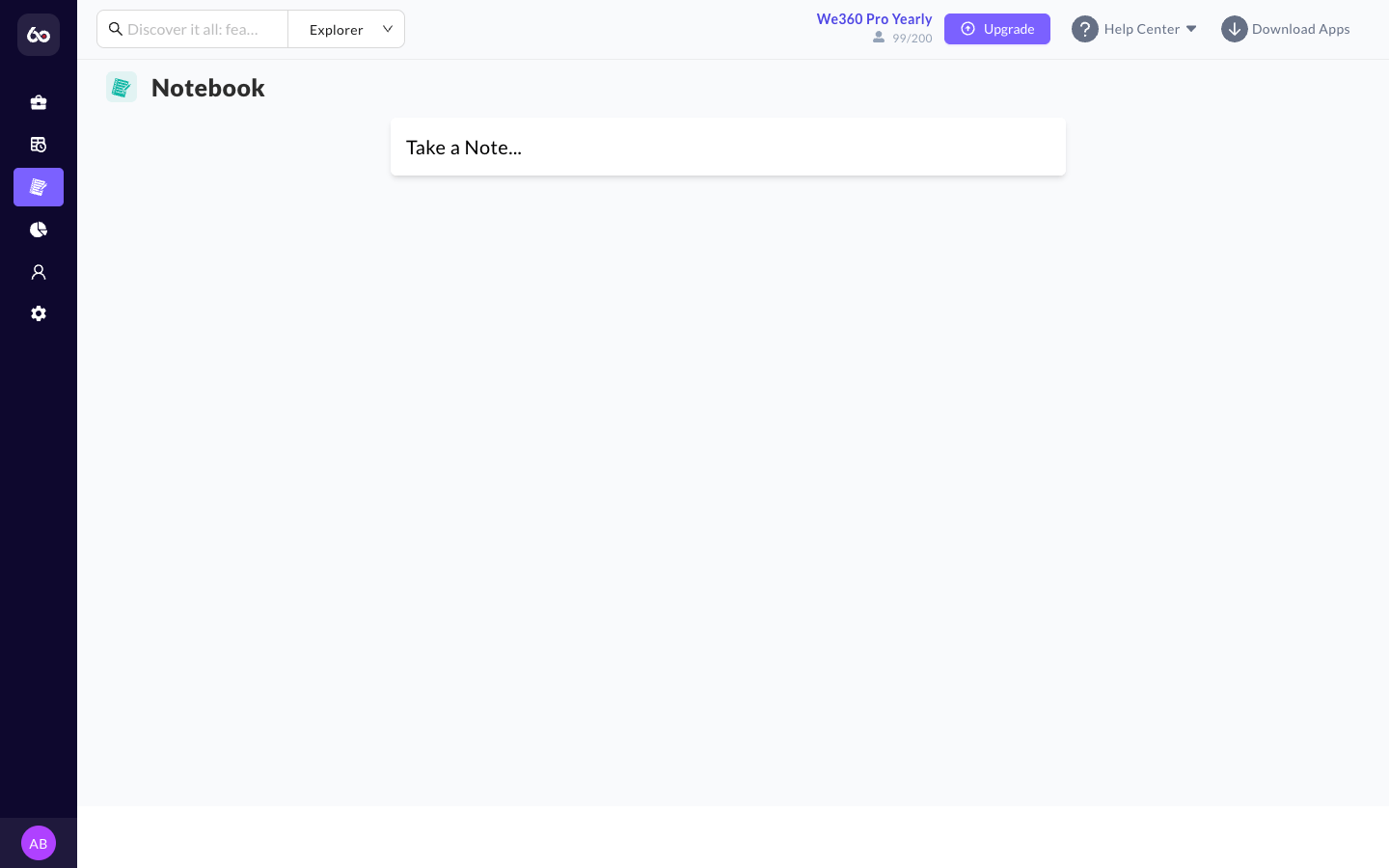
Notebook dashboard with card-based note management
## Features
* **Rich Text Editing**: Draft quick thoughts, meeting notes, project specifications, or daily standup logs directly within the portal. The editor utilizes a robust Rich Text editor (Quill.js) allowing for formatting, lists, and embedded content.
* **Card-Based UI**: Notes are displayed in a clean, Pinterest-style grid of cards, making it easy to visually scan for the correct document.
* **Real-time Saving**: The interface supports instant updates, saving changes back to the database as the user types, ensuring data loss is minimized.
* **Organization**: While designed for quick access, notes can be compartmentalized for personal use or shared visibility. (Note: System settings dictate the scope of who can view which notes).
---
# Agent Instructions
This documentation is published with GitBook. GitBook is the documentation platform designed so that both humans and AI agents can read, navigate, and reason over technical content effectively. Learn more at gitbook.com.
## Querying This Documentation
If you need additional information that is not directly available in this page, you can query the documentation dynamically by asking a question.
Perform an HTTP GET request on the current page URL with the `ask` query parameter, and the optional `goal` query parameter:
```
GET https://docs.we360.ai/reference/work-and-time-management/user-interfaces/portal/project-suite/notebook.md?ask=&goal=
```
`ask` is the immediate question: it should be specific, self-contained, and written in natural language.
`goal` is optional and describes the broader end goal you are ultimately trying to accomplish on behalf of the user. GitBook uses it to tailor the answer towards what is most useful for that goal.
The response will contain a direct answer to the question and relevant excerpts and sources from the documentation.
Use this mechanism when the answer is not explicitly present in the current page, you need clarification or additional context, or you want to retrieve related documentation sections.